How to Cancel Your Subscription
Follow the four steps below to cancel auto-renewal in the Dadibadi cancellation flow. You will keep premium access until the end of your current billing period.
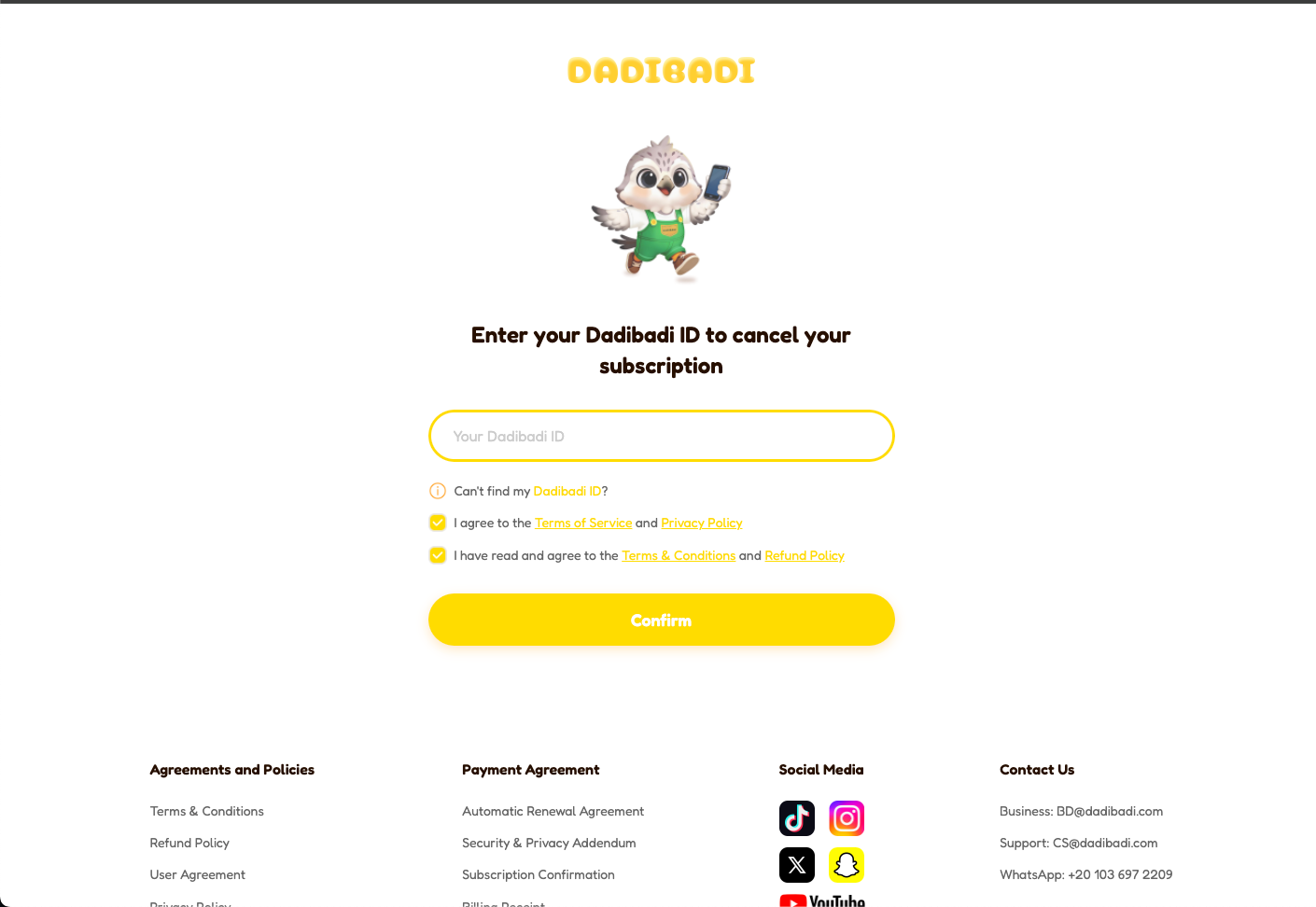
Step 1 — Enter your Dadibadi ID
Type your Dadibadi ID in the field shown on screen, then tap Confirm to continue.
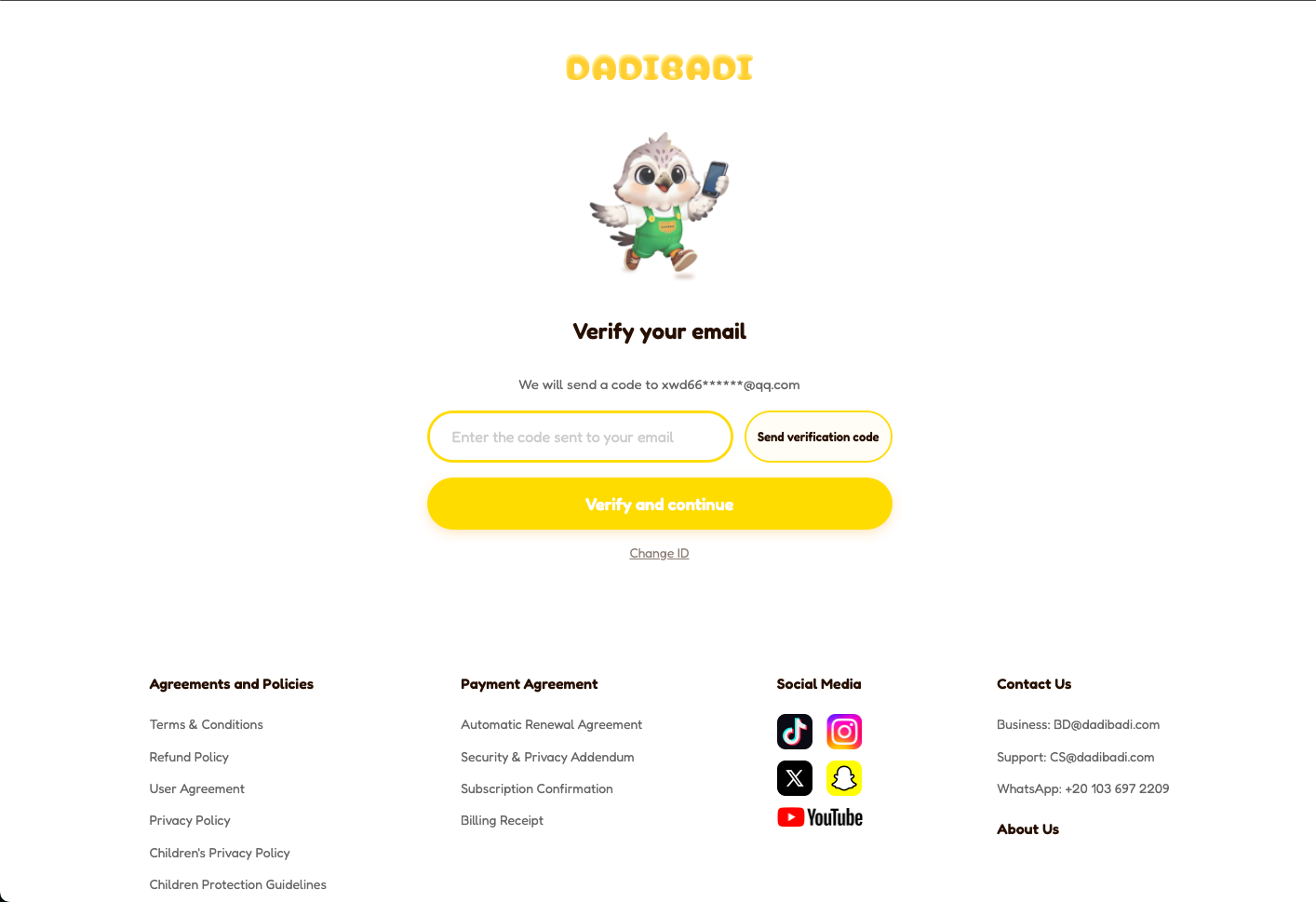
Step 2 — Verification code
Tap Send verification code. When you receive the code, enter it in the input box, then continue.
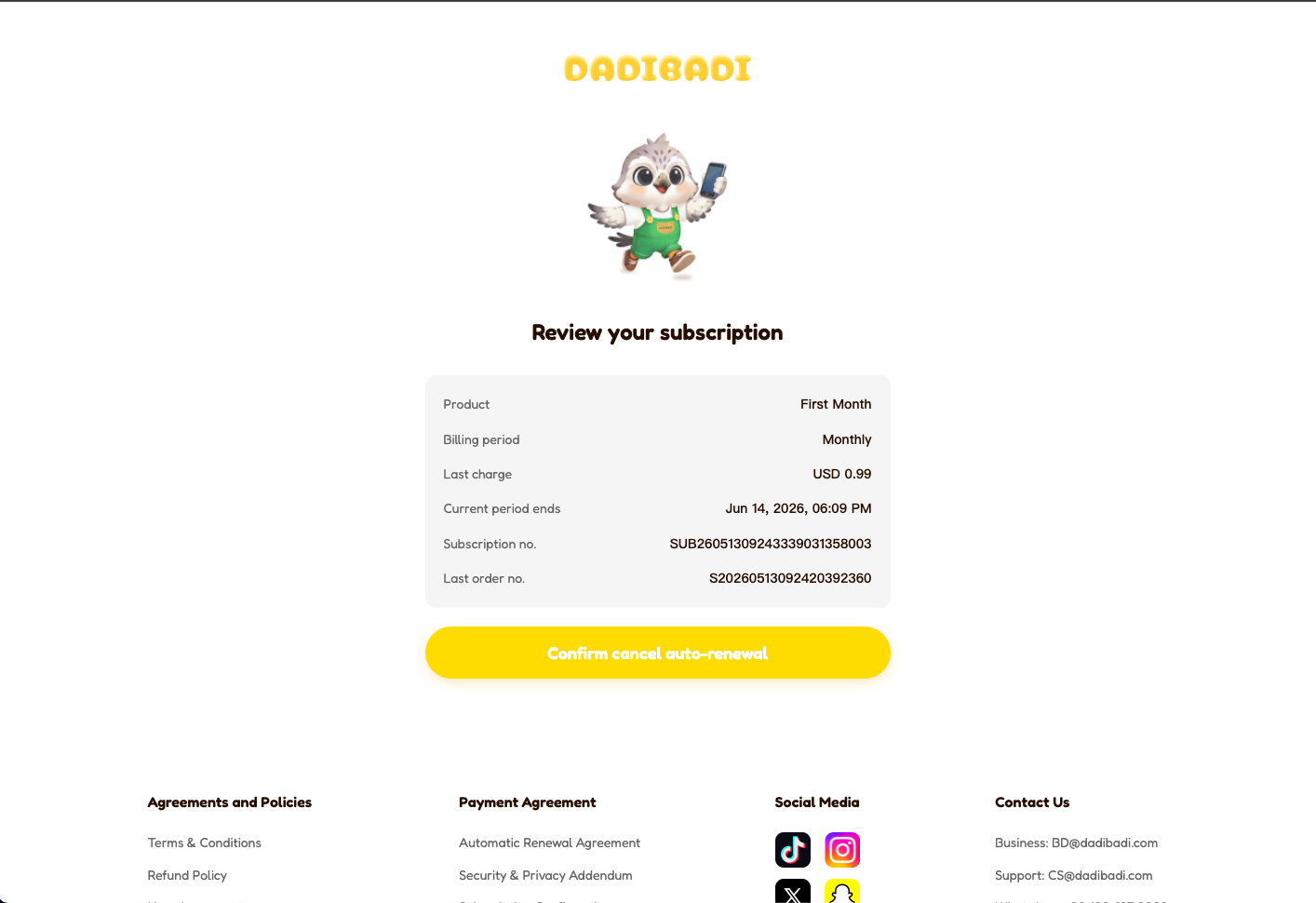
Step 3 — Review your renewal order
Check the renewal order summary (plan, amount, and dates). Make sure the details match what you expect before proceeding.
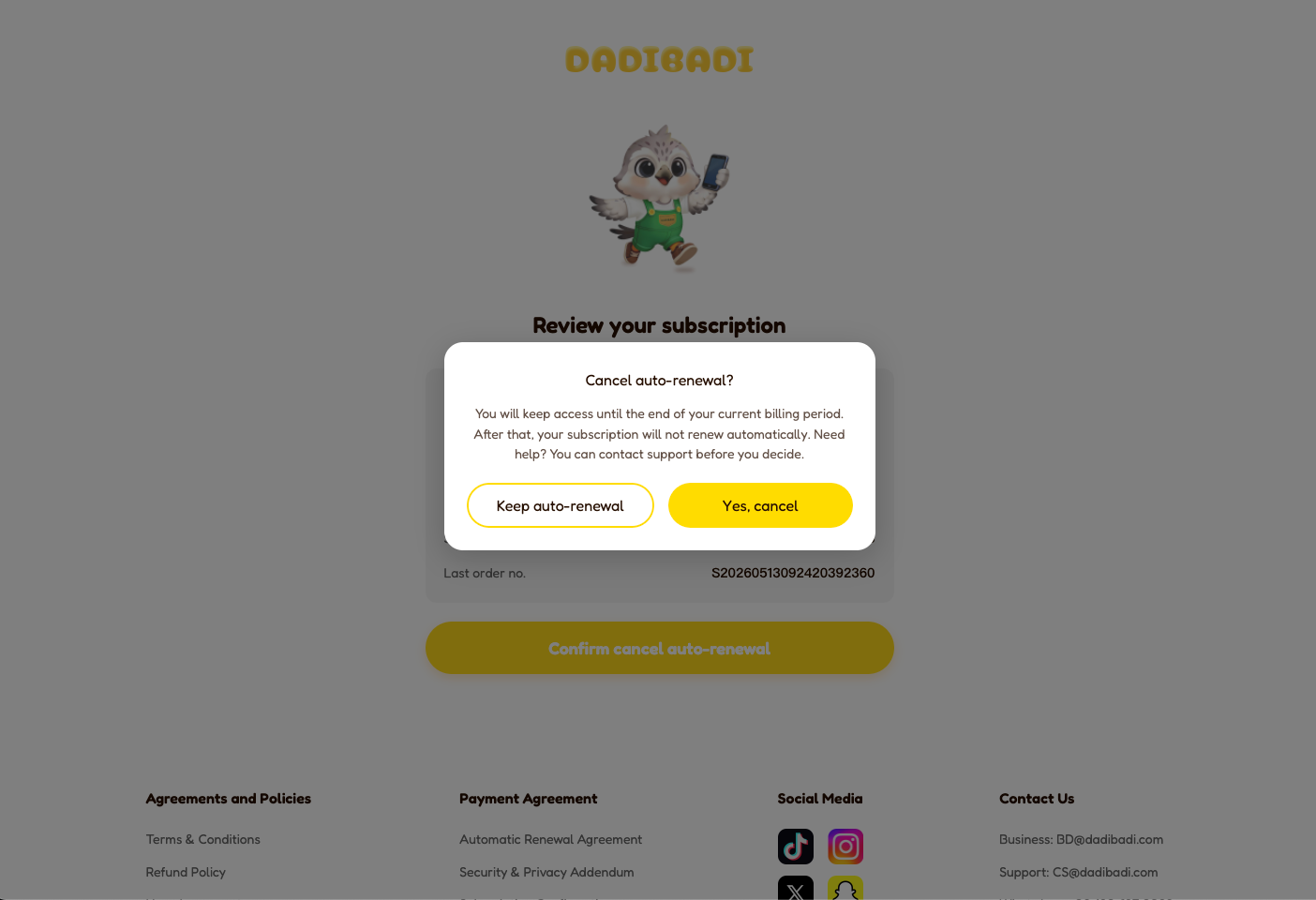
Step 4 — Confirm cancellation
Tap Confirm cancellation to finish. Your subscription will not renew after the current period; premium features stay active until that period ends.